NEW STUDY
The Hidden Cost of High-Value Delivery: what a failed delivery really costs, beyond the refund.
The Hidden Cost of High-Value Delivery
Download the study


EN
EN
Get instant help, full visibility, and expert support - directly from the LivingPackets app or with our customer support team, whenever it matters.



Chat with support, track shipments, manage alerts - directly from the LivingPackets Web or Mobile app, all in one place.

Reach our customer support team via chat, email, or phone Monday to Friday, 9:30am–6:30pm (CET).
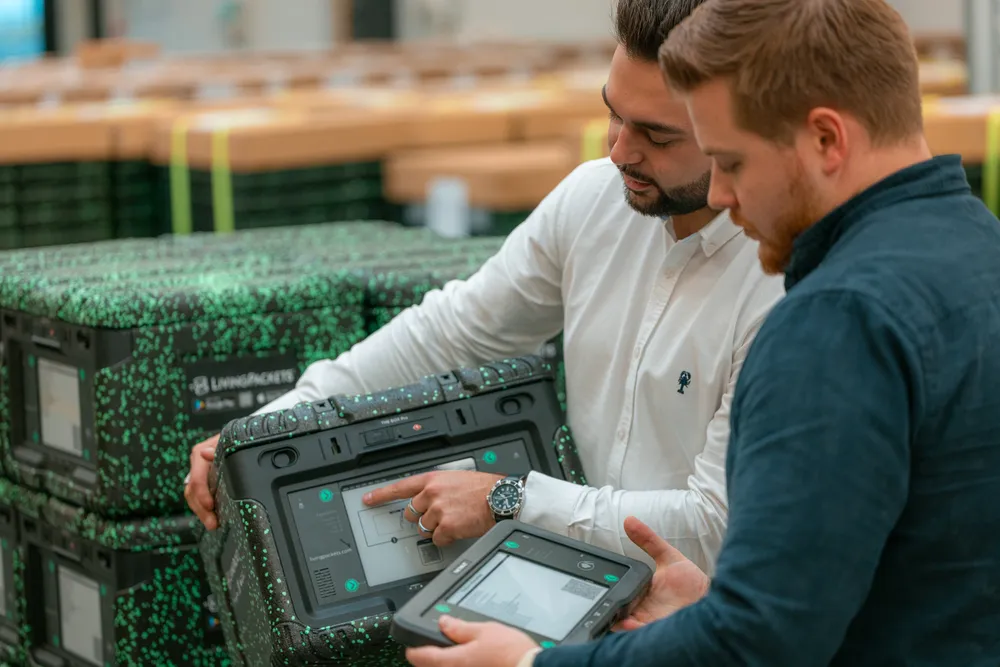
Our support team assists you in English, French and German - for clear, efficient communication when it matters.
Access product technical sheets, user guides, and video tutorials to understand, deploy, and use LivingPackets solutions with confidence.

2 type of accounts can be created in LivingPackets: a professional and a personal one.
A professional account implies to create the company’s account first using “Signin”. And then, the members will be invited from it.
A personal account is individual and is also created in another option of “Signin”.
If you are a professional who wants to join the account of your company, then you should ask you admin to send you an invitation. You will receive it via email from noreply@livingpackets.com
When you login, fill-in your email, click confirm, and then click on “Forgot my password”.
You do not need an account to receive a delivery. Depending on the solution chosen by the sender, you can unlock THE BOX using a code directly on the screen, or via your mobile phone. Detailed instructions can be found in your shipment notification.
You can contact us via chat when you login in the app. Also you will find your local phone line number in the menu “Account” and block “Contact us” at the bottom of the page.
Your delivery notification includes a tracking link to follow your package. It can be opened on both computers and mobile phones. If the page does not display correctly, please try using a different browser.
Whether you need instant assistance, operational reassurance, or expert guidance,
LivingPackets support is designed to keep your shipments secure and your teams confident - every step of the way.


